
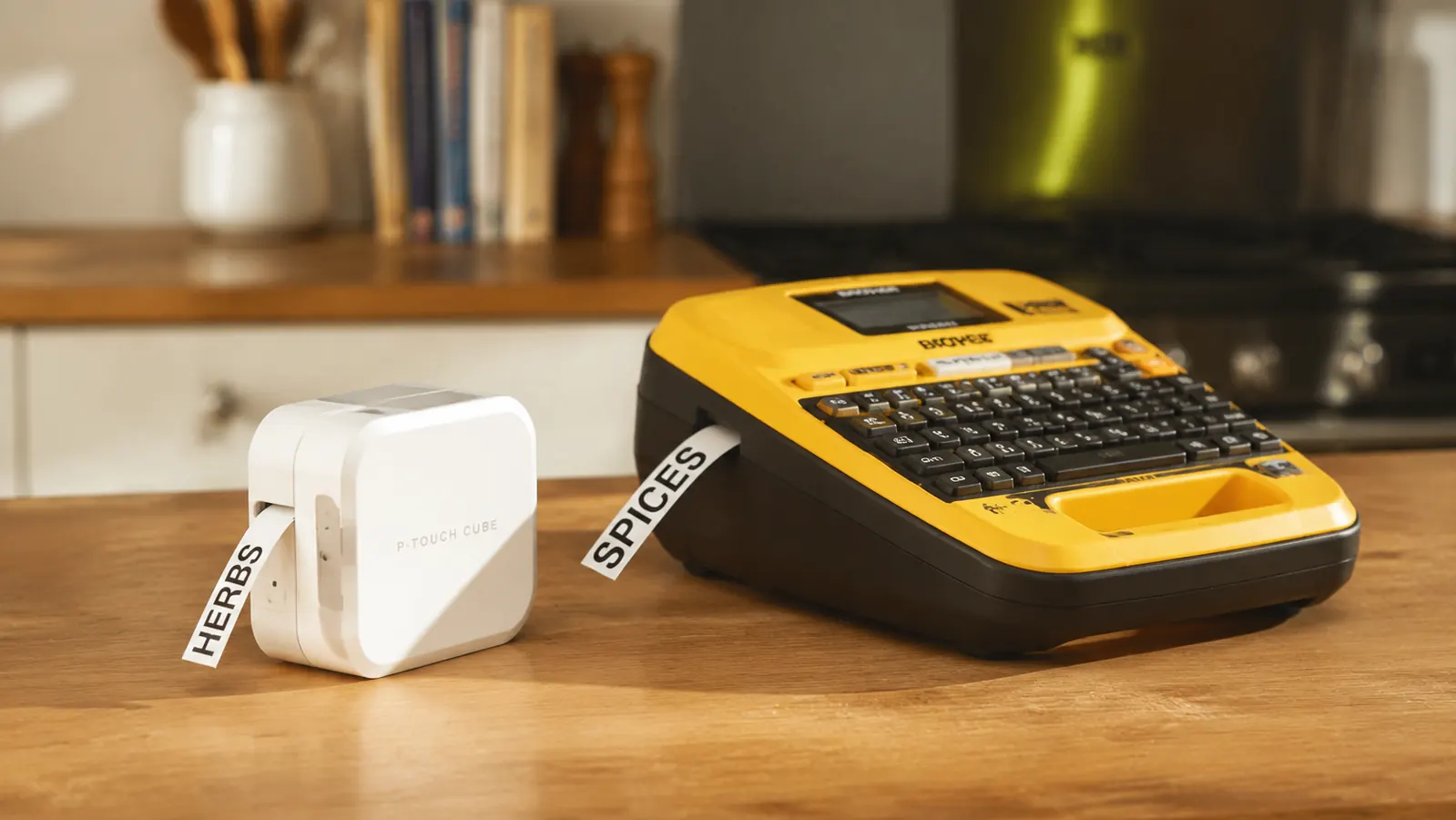
I bought a label maker after my third argument about where the pasta went. My partner and I have a 780-square-foot apartment, four categories of snacks, and approximately zero agreement on which bin holds what. I wanted something I could grab, type a word, peel a label, and be done. What I did not want was a device that required an app, a Bluetooth connection, or a 20-minute setup session just to print 'Rice.' After comparing the Brother P-Touch PTD220 and the DYMO LabelManager side-by-side, I have a clear recommendation, and it comes down to three things: tape cost, keyboard feel, and what happens two years from now when you need a refill.
Short answer: the Brother P-Touch PTD220 wins for home use. It costs less upfront, uses significantly cheaper TZe tape that you can get from multiple third-party suppliers, and its QWERTY keyboard is laid out in a way that makes sense for an adult who types. The DYMO LabelManager has fans, and I will explain where it earns them, but for a renter labeling pantry bins, closet shelves, and bathroom drawers, the Brother is the practical choice.
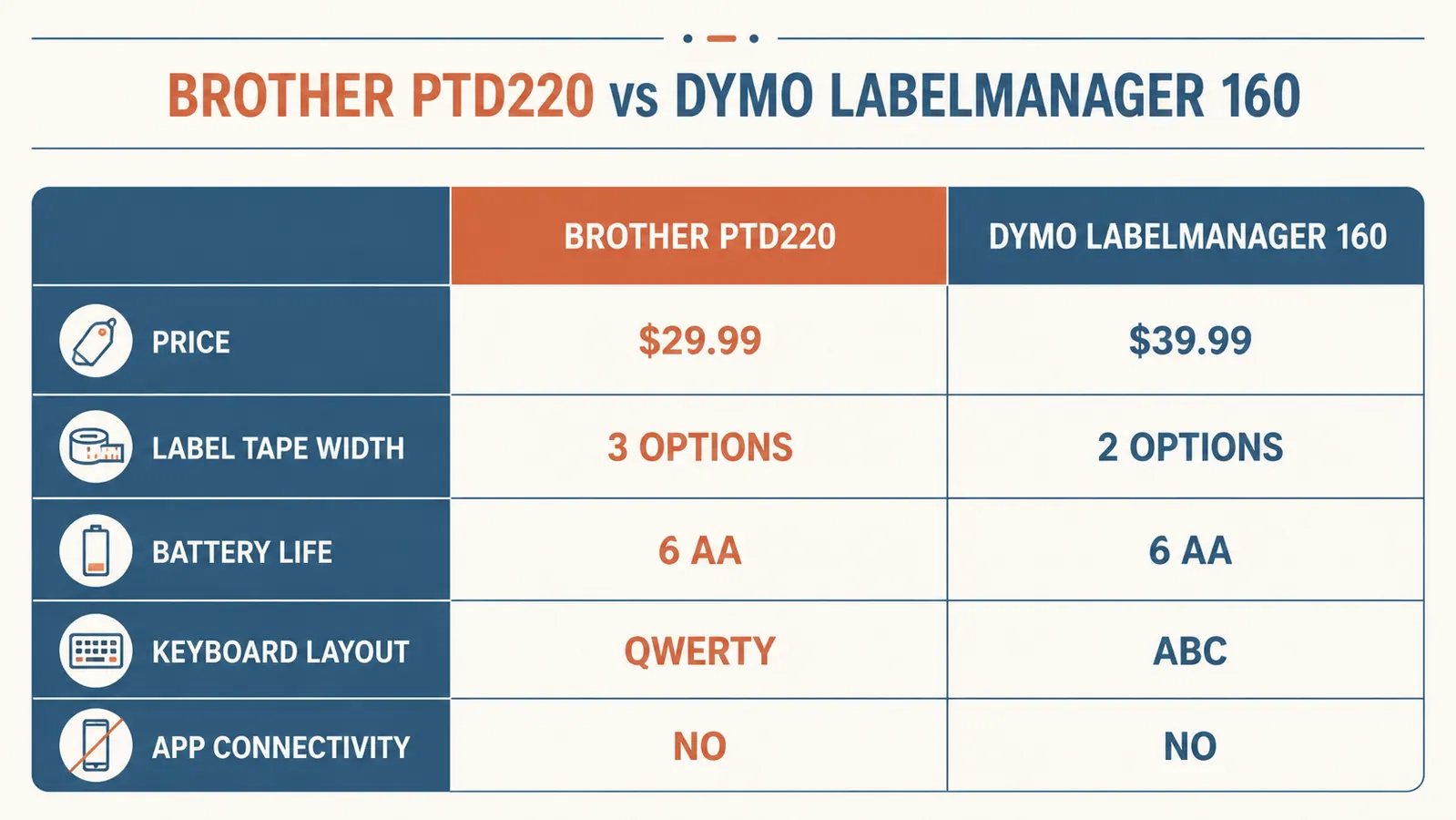
| Brother P-Touch PTD220 | DYMO LabelManager | |
|---|---|---|
| Current Price | Check today's price on Amazon | Mid-range to higher-end |
| Tape Format | TZe (3.5mm-18mm, multiple widths) | D1 (6mm-19mm) |
| OEM Tape Cost (12mm roll) | Check today's price on Amazon | Budget-friendly range |
| Third-Party Tape Available | Yes, widely available, affordable per roll | Limited, less consistent quality |
| Keyboard Layout | Full QWERTY layout | ABC layout (alphabetical order) |
| Font/Style Options | 14 fonts, multiple sizes and styles | 6-8 fonts depending on model |
| Battery Type | 6x AAA or optional AC adapter | 6x AAA (varies by model) |
| Label Memory | Stores up to 30 labels | Stores up to 9 labels |
| Build Quality | Solid ABS plastic, feels light but sturdy | Similar ABS plastic, slightly heavier |
Where the Brother P-Touch PTD220 Wins
The single biggest advantage is tape compatibility. Brother's TZe format has been around since the 1990s, which means there are dozens of third-party manufacturers making compatible rolls. A 2-pack of third-party 12mm white TZe tape costs very little on Amazon and works fine for household labeling. I have been using a mix of Brother OEM and third-party tape for over a year without a single jam or faded label. On a DYMO, you are much more locked into DYMO's own D1 tape, which is more expensive and has a thinner selection of third-party options with spottier quality control.
The QWERTY keyboard is the other thing I will not budge on. The DYMO LabelManager uses an ABC layout, meaning the keys run in alphabetical order instead of the standard typewriter layout. For someone who can touch-type even a little, the ABC layout is actively slower. Every word requires you to hunt for letters. The Brother PTD220 lets you type the way you already type. When you are standing in the pantry at 7am trying to label a bin before work, the last thing you need is a keyboard that makes you think.
The label memory gap is real too. The Brother stores up to 30 label templates. If you are doing a full apartment labeling project -- pantry bins, closet shelves, bathroom drawers, office supplies -- you will type the same labels repeatedly unless you save them. DYMO's 9-label memory fills up fast, which means you are retyping 'Pasta' from scratch every time you need a new jar label after the limit is hit.
Done hunting for tape refills? The Brother PTD220 works with a wide range of tapes and costs less to keep running.
The Brother P-Touch PTD220 is available on Amazon with a 4.6-star rating from 5,448 reviewers. It ships with one 12mm black-on-white TZe tape cartridge to get you started.
Amazon Check Today's Price on Amazon →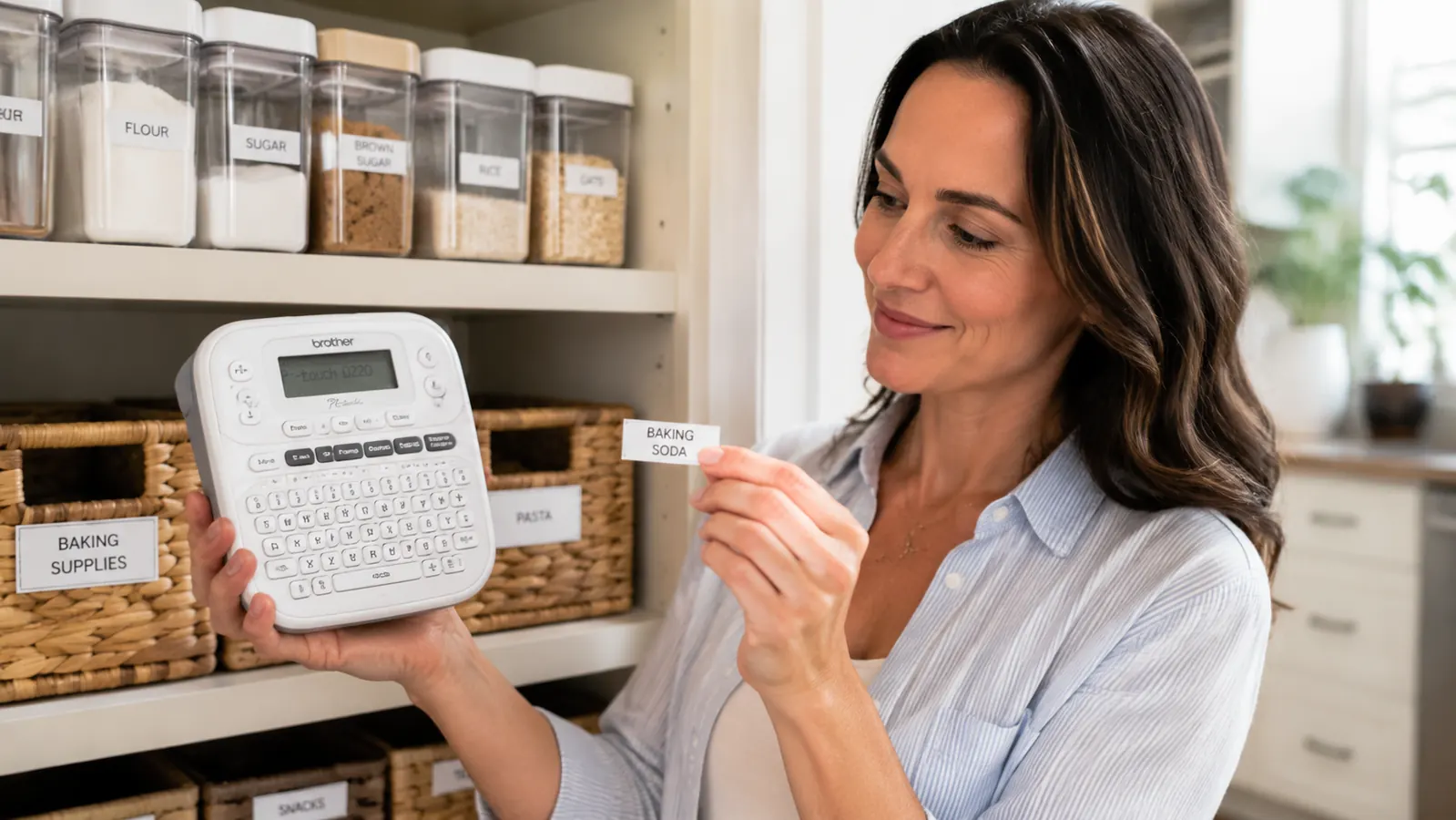
Where the DYMO LabelManager Wins
The DYMO LabelManager is not a bad label maker. It is a bad label maker for the specific use case of labeling an entire home. Where it earns its fans is in office environments and industrial settings where it is shared equipment, where someone already bought into the DYMO tape ecosystem years ago, and where an ABC layout is less disorienting because nobody uses it for long stretches at a time.
Some users also prefer DYMO's slightly more compact form factor on certain models, and if you are already buying DYMO tape in bulk for another label maker in the house, continuity makes sense. DYMO's label quality on D1 tape is also genuinely crisp and durable. The labels do not peel up at the corners in humidity the way cheaper third-party TZe tape can if you buy from a no-name brand. But those are edge cases, not reasons to default to DYMO if you are starting fresh.
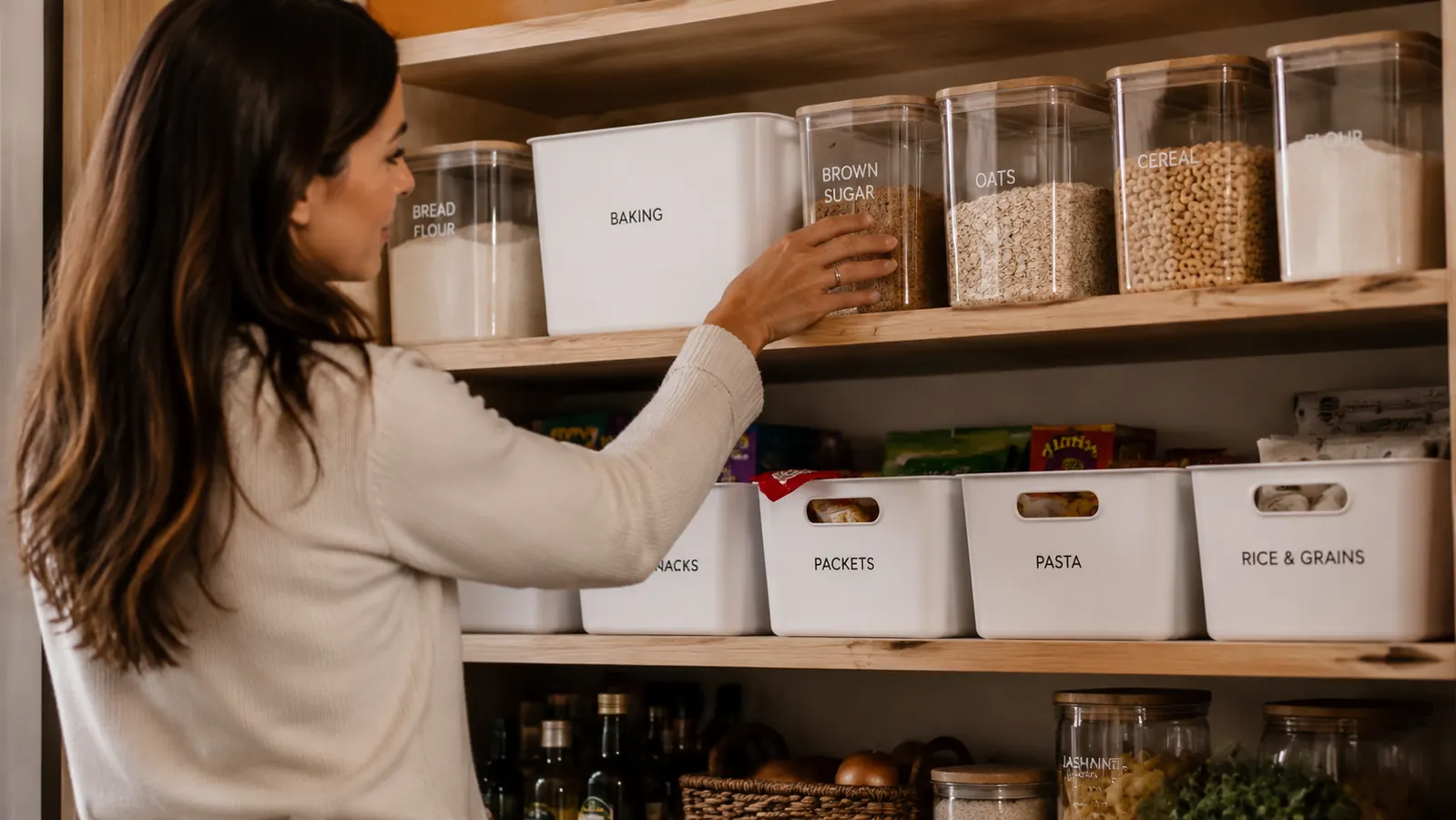
I have labeled 47 bins, 12 shelves, and 6 bathroom drawers with the Brother PTD220. I have replaced the tape once and I have not thought about the machine once. That is what a good tool does.
Tape Cost Over Time: Why This Is the Real Decision
People compare label makers on upfront price and miss the tape cost entirely. This is the wrong way to think about it. A label maker is a recurring cost device. The machine is cheap. The tape is where you spend money over the life of the product.
Here is the math in plain terms. DYMO's 12mm D1 tape costs more for a single roll of OEM tape. You can find some D1 third-party options at lower prices, but availability is inconsistent and quality reviews are mixed. Brother's 12mm TZe OEM tape runs less. Third-party TZe tape from reputable sellers runs cheaper per roll and has a large, established market behind it. Over two or three years of regular household use, the tape cost difference is real money.
The other tape factor: Brother TZe tape comes in a wider array of widths. The PTD220 supports 3.5mm, 6mm, 9mm, 12mm, and 18mm widths. That matters when you are labeling a half-inch drawer pull versus labeling the front of a large pantry bin. DYMO has width options too, but the selection is narrower and some widths require specific LabelManager models.
Ease of Use: First Label to Full System
The Brother PTD220 comes out of the box with one tape cartridge already loaded. You flip it on, it prompts you to set the language and a couple of preferences, and you are printing within two minutes. The keyboard is responsive, the label preview screen shows exactly what you will get, and the tape cutter is built-in so you are not fumbling for scissors.
For a full home labeling project, the label memory feature becomes genuinely useful. I labeled my kitchen first, saved the bin labels I would need to reprint eventually, then carried the machine to the bathroom and repeated the process. Because the Brother stores 30 labels, by the time I looped back to the pantry six months later to reprint a few peeled labels, I just scrolled through saved labels, hit print, and was done in 45 seconds.
The DYMO LabelManager setup is similarly fast, but the ABC keyboard slows you down on every label if you are not already used to it. For someone who has used a DYMO in an office for a decade, muscle memory takes over. For everyone else, the Brother's QWERTY layout removes one friction point that adds up across 50 labels.
Who Should Buy Which
Buy the Brother P-Touch PTD220 if you are starting a home labeling project from scratch, you want the lowest total cost over time, you type with a QWERTY keyboard and want a label maker that matches, or you plan to label a large number of bins, shelves, and drawers across multiple rooms. It is the right tool for the large majority of home organizers.
Buy the DYMO LabelManager if you already own a collection of DYMO D1 tape cartridges, you work in an office that runs on DYMO equipment and need a compatible personal unit, or you specifically prefer DYMO's feel and form factor from prior experience. There is no shame in choosing the DYMO if those conditions apply. But do not let brand recognition or a Pinterest influencer's aesthetic steer you toward it when the Brother does the job better for less money.
The Brother PTD220 is the cleaner choice for home use, with cheaper tape and a keyboard you will not fight.
Rated 4.6 stars from 5,448 Amazon reviewers. Works with a wide range of TZe tape widths. Ships with one tape cartridge included. Check the current price before you decide.
Amazon Check Today's Price on Amazon →