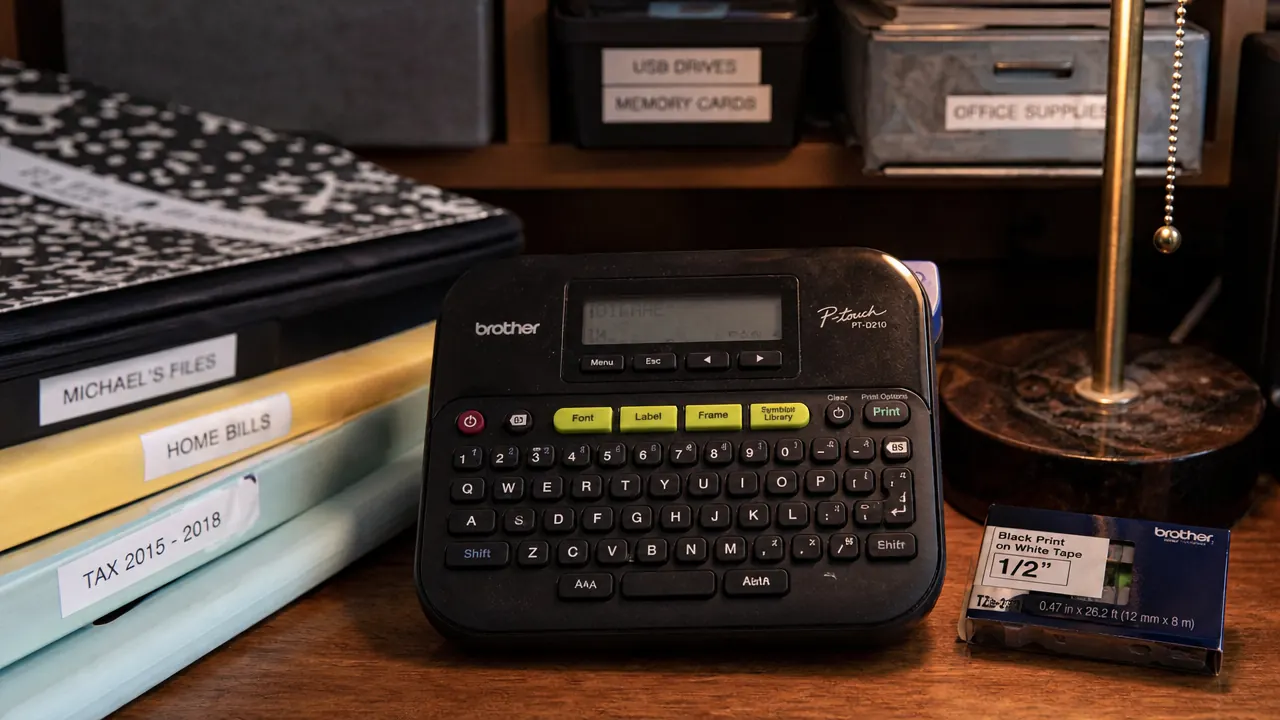
I bought the Brother P-Touch PTD220 label maker because my pantry shelf had turned into a guessing game. Six identical clear bins, no labels, and every time someone reached for flour they came back with powdered sugar. That was eight months ago. Since then the PTD220 has worked through a full roll of TZe-231 tape and most of a second, labeling every room in my 850-square-foot rental apartment. What started as a pantry fix became a whole-house system, and the label maker has been the common thread holding it together.
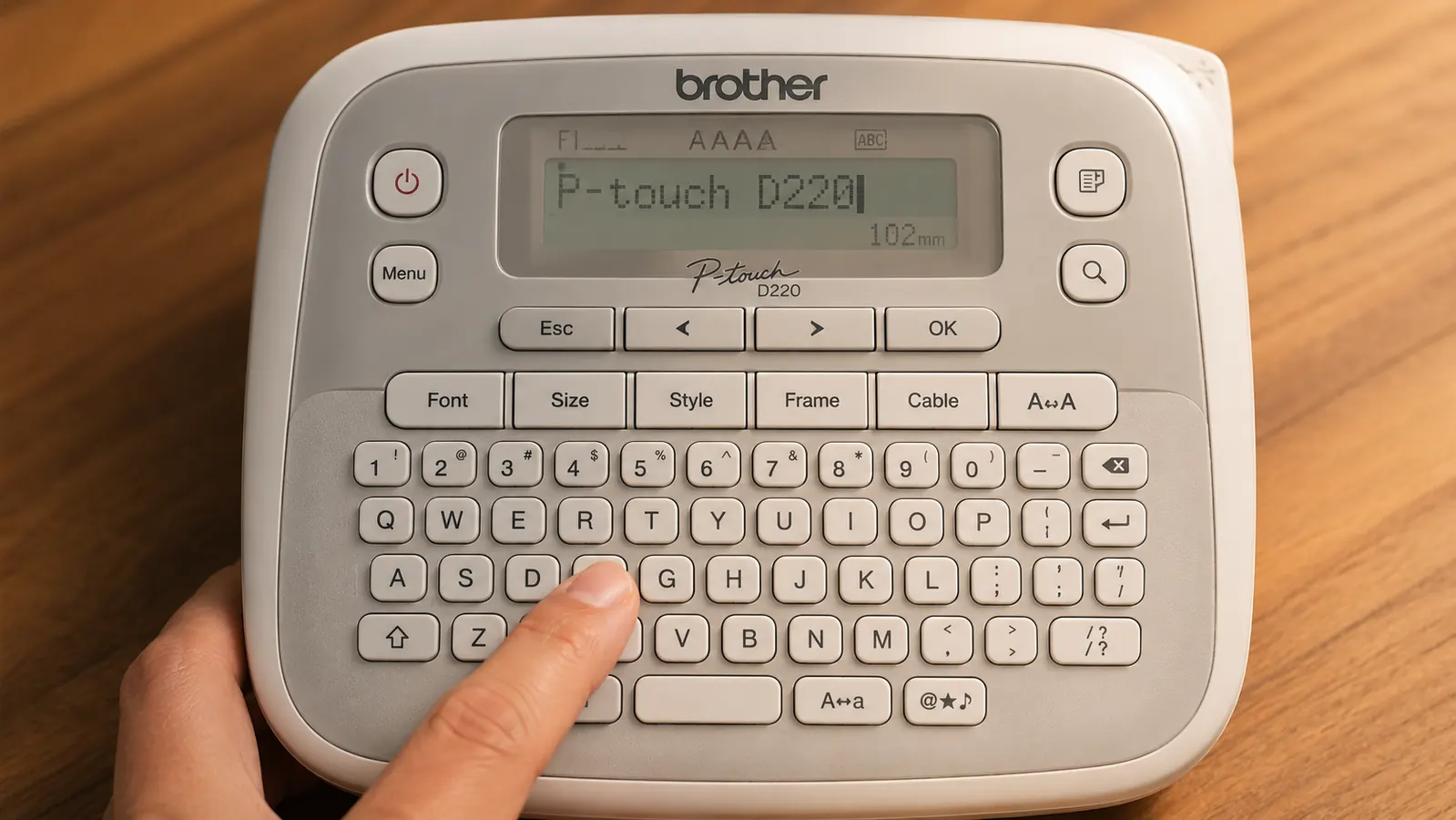
The Brother PTD220 prints on standard TZe tape cartridges in 3.5mm, 6mm, 9mm, 12mm, and 18mm widths. It runs on 6 AA batteries or a USB-C cable. The built-in keyboard has 14 font sizes, 10 frame styles, and a handful of symbols. None of that sounds exciting on paper, but after eight months of daily-use labeling the specs matter more than they did when I was reading the product listing. The difference between a 9mm and a 12mm label on a narrow drawer divider is the difference between a label that reads cleanly and one that looks jammed in.
The Quick Verdict
A genuinely useful home label maker that gets out of the way and lets you build a real organization system, held back only by tape cost and a learning curve on the keyboard.
Amazon Check Today's Price →Your bins mean nothing if nobody can read what is in them.
The Brother PTD220 prints clean, durable TZe labels in under ten seconds. Check the current price on Amazon before the next time you open the wrong container.
Amazon Check Today's Price on Amazon →How I've Used It
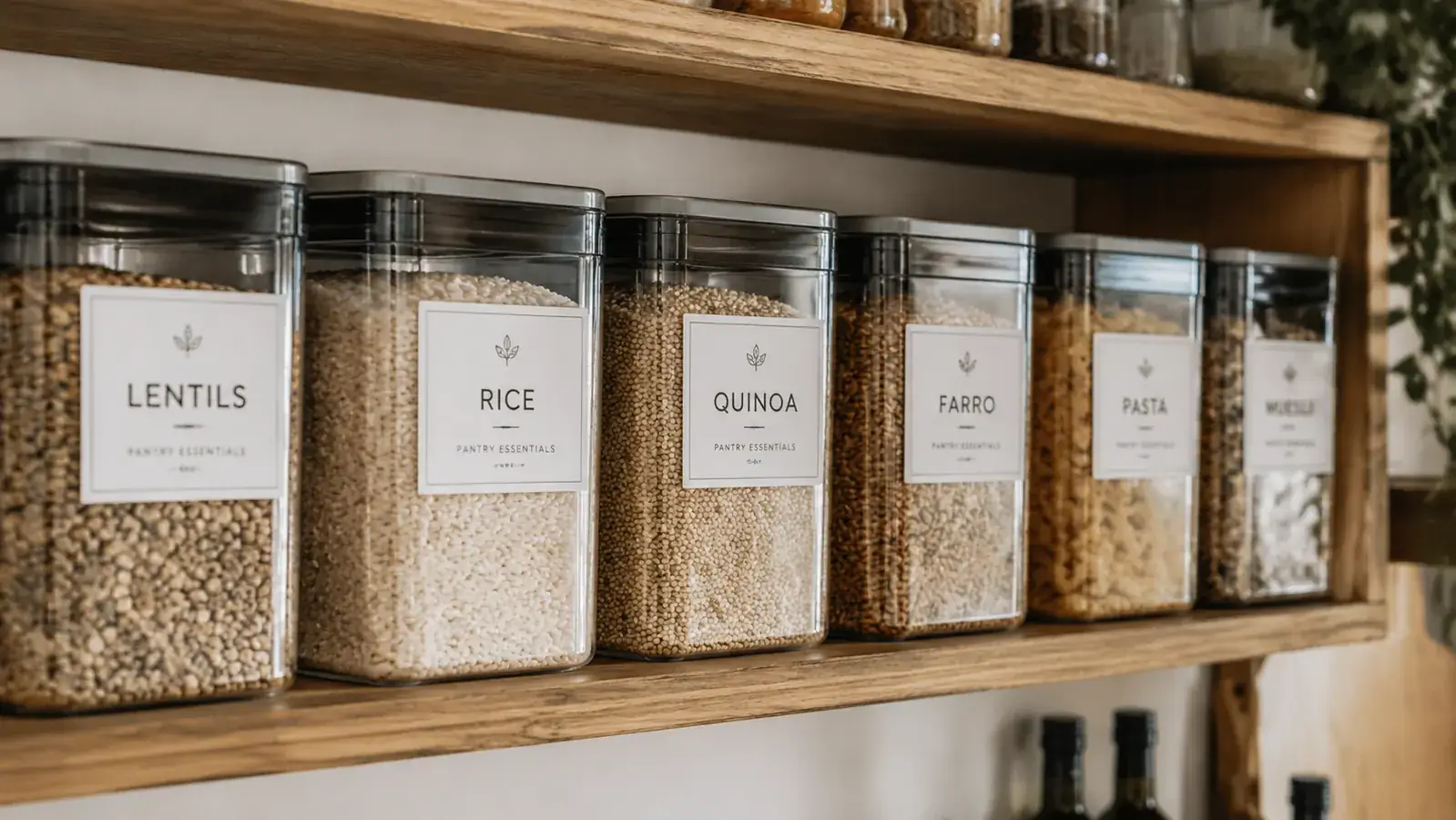
My apartment has one kitchen, one bathroom, a linen closet, and a bedroom with a six-cube storage unit. I started in the pantry. Six clear bins that hold dry goods got labels on the front face using 12mm TZe-231 tape. The labels read the way a menu does: short, obvious, all-caps. PASTA. RICE. LENTILS. BAKING. SNACKS. CEREAL. That took maybe fifteen minutes including the setup time to figure out the font size menu.
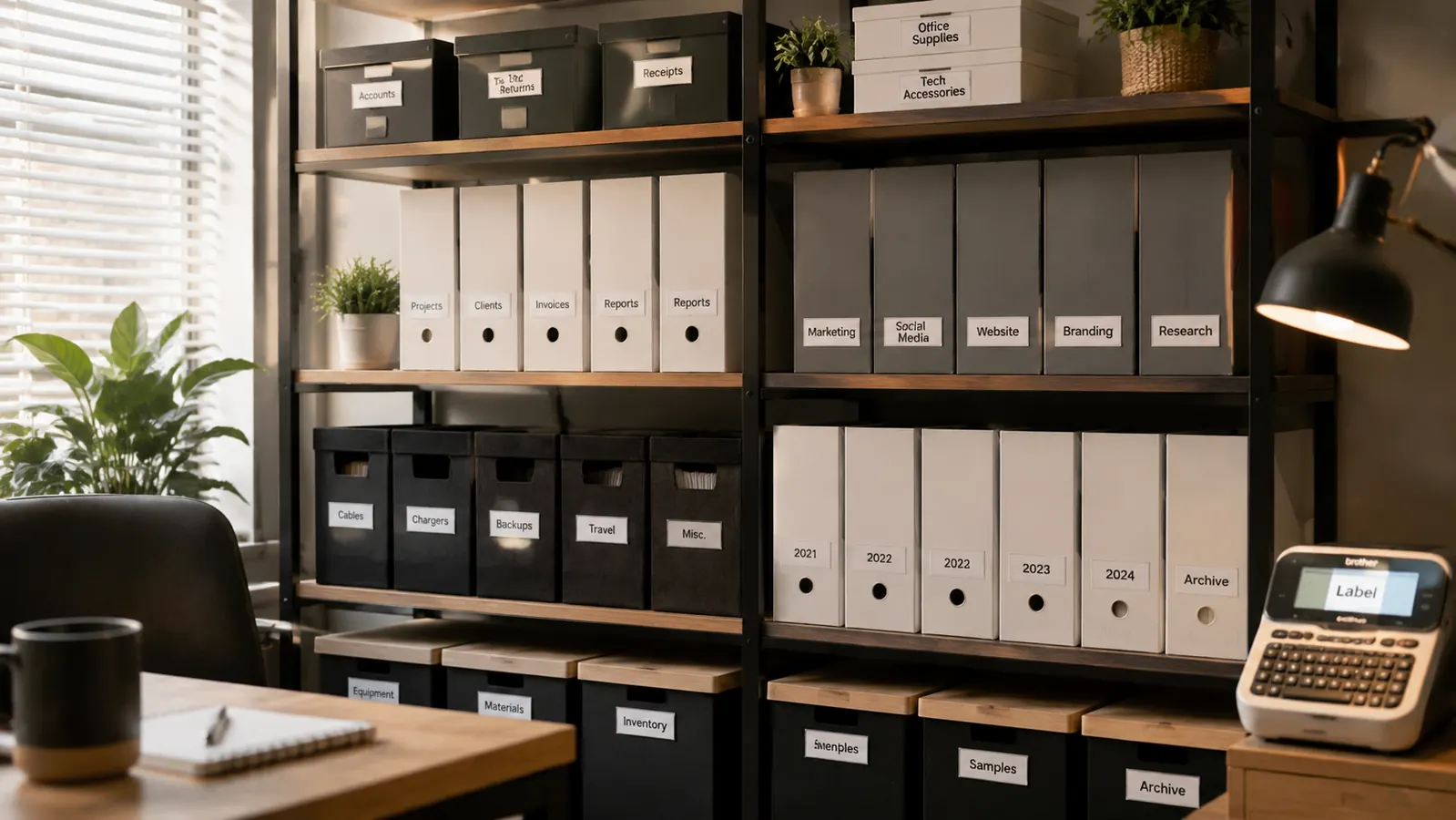
After the pantry I moved to the bathroom. I have two stacked drawer organizers under the sink and another drawer in the vanity. Labels went on the front of each tray: HAIR TIES, NAIL CARE, MEDS, FIRST AID, FACE. Took one evening. Then the linen closet: QUEEN SHEETS, TWIN SHEETS, TOWELS, EXTRA BLANKETS. Each shelf bin got a front-face label. The six-cube bedroom unit followed. By month three I had used up the first tape roll, roughly eight meters of 12mm, and was on to the second.
The machine lived on the kitchen counter the entire time. I turned to it whenever I added a new bin, moved something, or realized a label was not doing its job. That low-friction access is the actual reason the system held together. A label maker stored in a cabinet is a label maker you use twice. One sitting on the counter is a tool you reach for every couple of weeks, which is the cadence that actually builds and maintains a labeling system over time.
What the PTD220 Does Well
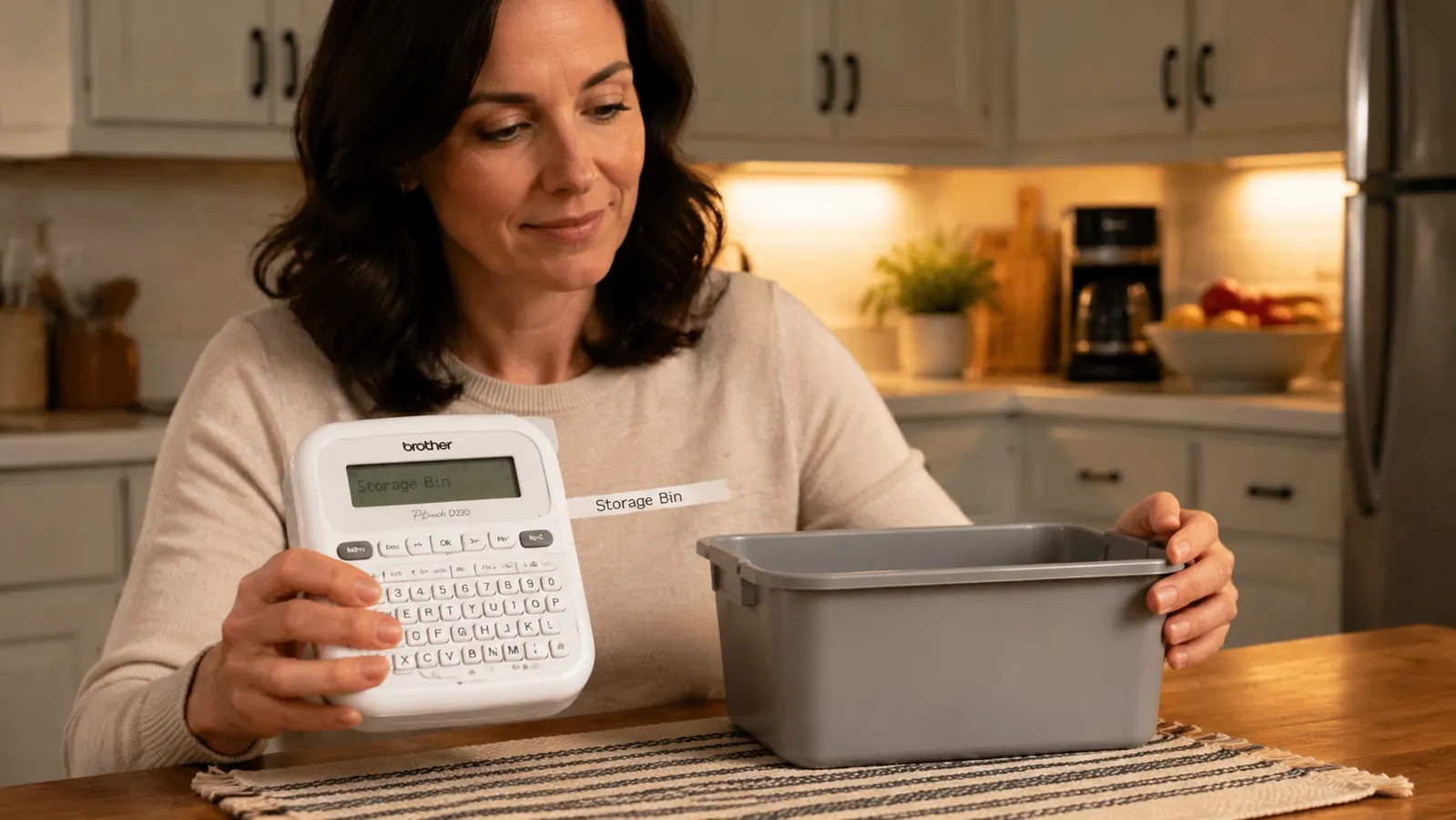
Print quality is the first thing that earns its keep. TZe tape uses a laminated thermal process, so the text sits under a clear protective layer instead of on top of an exposed paper surface. Labels I put on the pantry bins in month one still look exactly the same. No fading, no edge peeling, no ghosting from moisture. The bathroom labels get splashed periodically and none have lifted. The adhesive on the standard TZe-231 white tape has held on plastic, glass, and painted wood surfaces through months of daily handling.
Speed is the second thing. Once you have a label format memorized, you can print a new one in about fifteen seconds: power on, type the text, select font size, preview on the screen, print, cut, peel, stick. The screen shows a live preview before printing, which matters more than it sounds. Seeing PASTA in 18-point font before it prints lets you catch the moment when a label is going to look crowded or too small to read at a glance. I have saved more tape on caught mistakes than I have wasted on the leader nub trimming.
The USB-C charging option is worth calling out specifically. Most label makers in this price range still use a barrel connector or no AC option at all, so you drain AAs and buy more. The PTD220 accepts USB-C, which means I power it off my desk charger the same way I charge everything else. The six AAs are still installed as a fallback. I have not touched them.
Labels I put on pantry bins in month one still look exactly the same eight months later. No fading, no edge peeling, no moisture damage.
The Keyboard and Software: Honest Assessment
The PTD220 is a physical keyboard device, not a Bluetooth-connected label printer. You type on the machine itself. That is fine for short text, and every home organization label I have made is short text. SNACKS. CLEANING. SUMMER CLOTHES. None of these require more than twelve keystrokes.
Where the keyboard gets annoying is anything involving special characters, accent marks, or long multi-line labels. Navigating the symbol menu involves a few button presses to reach what you need. The learning curve flattened out around week three for me, but the first week I had to reference the manual twice. The manual is a folded piece of paper with small type. It is not great. The Brother support site has better documentation and a searchable FAQ that I ended up using more than the paper insert.
The font selection covers fourteen size options and eight styles. For practical home labeling this is more than enough. I use size 14 for most pantry labels, readable from the distance of a standing adult. Size 9 for drawer dividers, short viewing distance, smaller labels. And size 18 for the linen closet shelf labels where I wanted text readable from the doorway. The machine handles all three without complaint. If you want to get into borders or frames around your labels, those options exist in the menu, but I found plain text looks cleaner and is faster to produce in volume.
Tape Cost and Compatibility: The Real Long-Term Math
The machine is budget-friendly. The tape is where the ongoing spend happens. A single TZe-231 cartridge, 12mm white tape with 8 meters on the roll, runs at varying prices on Amazon depending on whether you buy a multipack. An 8-meter roll sounds like a lot until you start labeling every shelf and bin in an apartment. I burned through the first roll in about ten weeks of moderate use.
The good news is that TZe cartridges are widely available and Brother's compatibility is genuinely broad. The PTD220 accepts any TZe tape up to 18mm wide, which means you can buy third-party compatible cartridges and cut your per-label cost significantly. I have tested two third-party brands and both printed cleanly without jamming. The labels have held up similarly to the genuine Brother tape over a three-month comparison I ran on bathroom labels. If tape cost is a concern, the compatible-cartridge market is real and functional.
One thing to plan for: the PTD220 does not use standard TZ tape, the older Brother format. It only accepts TZe. They look similar in photos but they are not interchangeable. If you already own Brother TZ cartridges from an older machine, you will need new stock before you can use the PTD220.
Where It Falls Short
The cut mechanism is manual, not automatic. After each label prints, you press a cutter button to trim the tape. This is a minor irritation when you are making ten labels in a row, but it is not a dealbreaker. The tape feeds a small amount of blank leader before the actual text starts, so every label needs a quick trim of a few millimeters off the left side. Over time you develop a rhythm: print, cut, trim the leader nub, peel, stick. It adds maybe two seconds per label.
Battery life is not a concern if you use USB-C power, but on batteries the runtime is shorter than you might expect for a device this simple. If you are planning a big labeling session without a nearby outlet, start with fresh AAs. The machine does not give you much warning before it dies mid-label, and losing a half-printed label to a dead battery is irritating enough to remember.
The screen is small and unlit in low light. In the pantry during the day this is fine. In a dim closet at night it is harder to read the preview before printing. Not a fatal flaw, but worth noting if most of your labeling happens in low-light storage areas. I have made a few labels that were slightly off-sized simply because I could not read the preview clearly before printing.
What I Liked
- TZe laminated labels are genuinely durable: waterproof, fade-resistant, peel-resistant over eight months of kitchen and bathroom use
- USB-C power means you are not constantly burning AA batteries
- Compact footprint sits on a counter without claiming much real estate
- Wide TZe tape compatibility (3.5mm to 18mm) covers every home labeling use case from narrow drawer dividers to large shelf signs
- Third-party TZe cartridges work well and cut the ongoing tape cost
- Live preview screen prevents wasted tape from font-size mistakes
Where It Falls Short
- Tape is an ongoing cost: roughly mid-range pricing per 8-meter cartridge for genuine Brother stock
- Manual cutter requires an extra step and leaves a small leader nub to trim from each label
- Physical keyboard has a learning curve for special characters and multi-line formatting
- Screen is small and hard to read in dim light
- Only accepts TZe tape, not the older TZ format from previous Brother machines
How It Compares to the Alternative I Considered
Before buying the PTD220 I looked seriously at the DYMO LabelManager 160. The LabelManager 160 is slightly cheaper and has a similar physical keyboard layout. What pushed me toward the Brother was the USB-C charging and the broader tape width range. The DYMO 160 tops out at 12mm tape, which is fine for most uses but limits you if you ever want a bigger shelf label. The Brother's 18mm capability has come in handy for the linen closet labels. If you want a deeper side-by-side breakdown of the two machines, the Brother PTD220 vs DYMO LabelManager comparison covers the tradeoffs in full detail including tape ecosystem differences.
Who This Is For
The Brother PTD220 is the right tool if you want a standalone label maker that works without a phone app, a subscription, or a Bluetooth connection. It is for people who want to label bins, shelves, drawers, and containers and then put the machine on the counter where it stays available. It handles every standard home organization task: pantry bins, bathroom drawers, storage closets, kids toy bins, file folders, garage shelves. If your labeling needs are standard and ongoing, this machine earns its counter space.
It is also a good fit for renters who want a low-commitment system. Labels go on bins and containers, not walls. You take them with you when you move. A well-labeled organizational system is completely portable in a way that built-in shelving or drilled-in hardware is not. If you are curious how label makers fit into a larger home organization approach, the article on 10 ways a label maker transforms your home organization system breaks down specific use cases room by room.
Who Should Skip It
If you want to design labels on your phone and send them wirelessly to a printer, the PTD220 is not your machine. It has no Bluetooth and no app. Brother makes the PT-P710BT for Bluetooth use, but it costs considerably more. If you only need to print a single batch of labels once and then store the machine in a drawer for years, you are probably better off with something even cheaper, since the PTD220 is most useful as a counter-resident tool you reach for regularly and often. And if you need labels in colors other than the standard TZe options, note that the PTD220 prints in black ink regardless of tape color. It does not print in color itself. The tape color adds background variety, the text is always single-color black.
Eight months of daily use and the labels still look like day one.
The Brother PTD220 is a low-cost way to make every organization system in your home actually readable. See the current price on Amazon and check whether it is still in stock.
Amazon Check Today's Price on Amazon →